
Intro to protectli vault fw6b-0

The protectli vault fw6b-0, not bad, is for having a personal router,
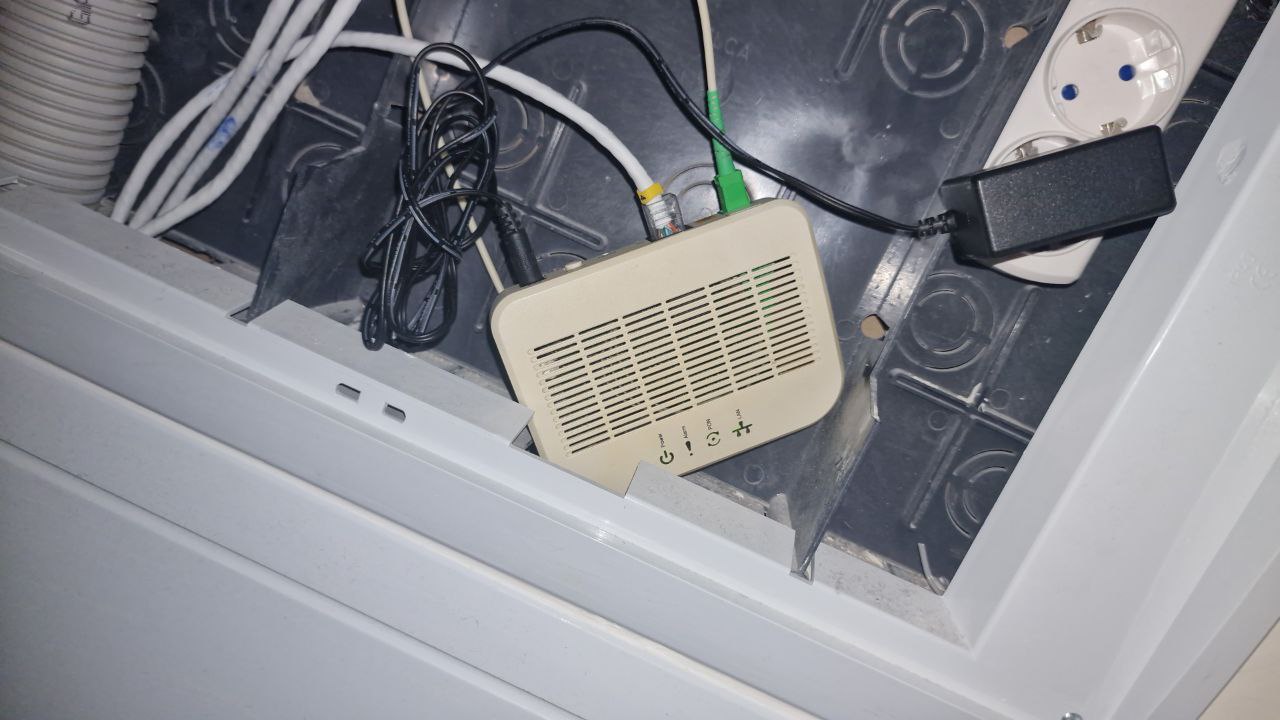
with pfsense as I’ve always wanted. Actually, because I didn’t have the PLOAM password from my fiber operator,
I hadn’t installed it. That password is necessary to be able to replace the operator’s own router.
This Protectli is also a Gigabit LAN model, so the network will not exceed that speed, no matter how much we want it to. If we want something more robust, we would have to migrate to a model with a minimum of 2.5 Gbps per port, although that would involve changing more things. And don’t even get me started on a 10G network—that would be brutal, with all the changes it would entail.
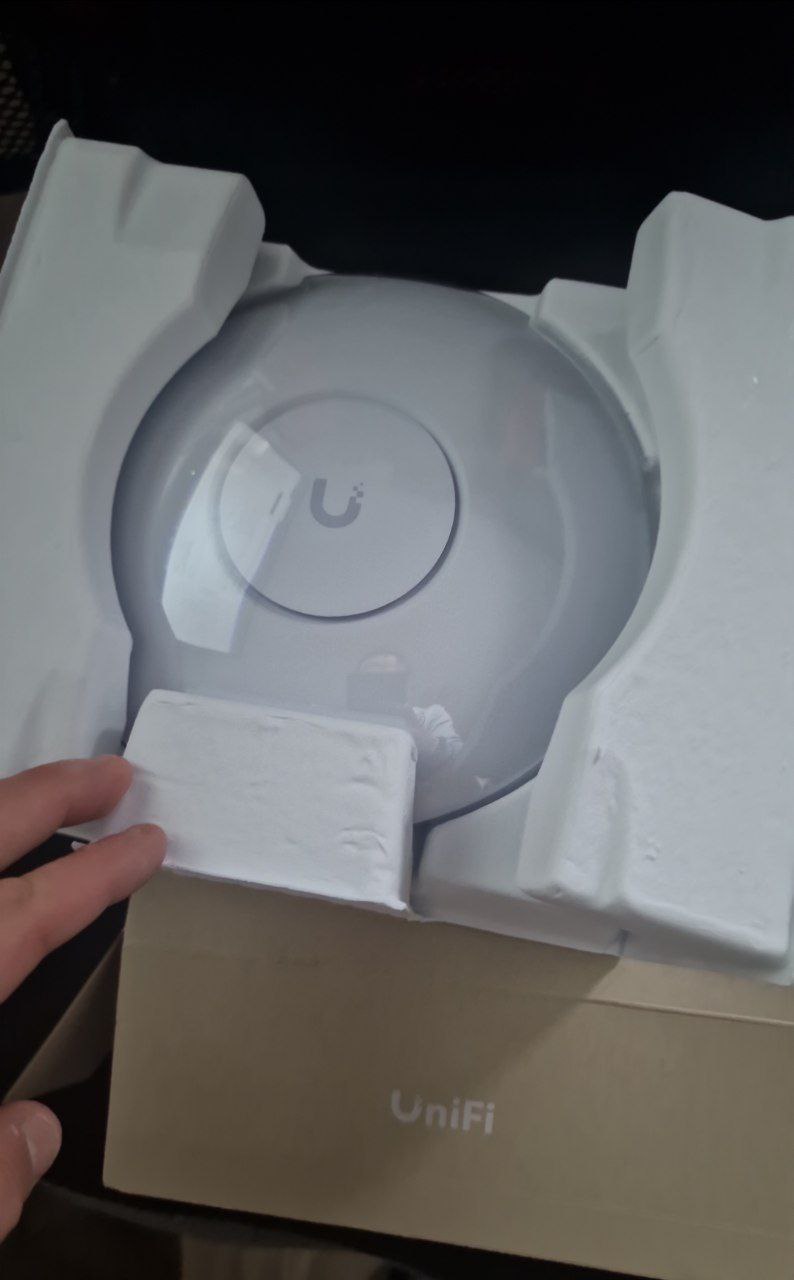
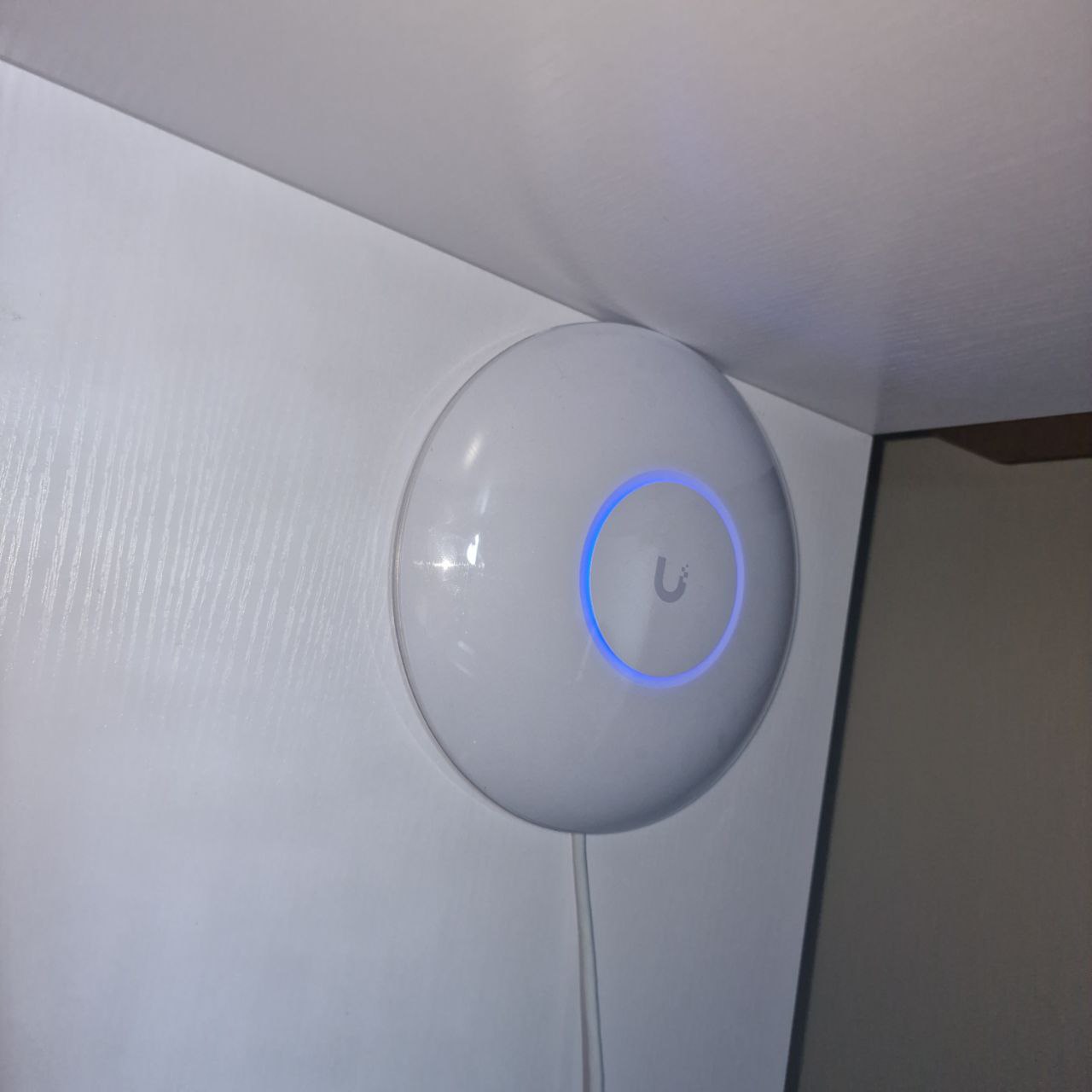
I don’t intend to use direct Wi-Fi with it, but rather to delegate to a Unifi model U6 PRO. I’ve always liked the Ubiquiti brand, to be honest. I remember I had a bullet m2-hp years ago, and I was delighted with it. here One of the differences between the PRO and the LR was the processor, which told me everything I needed to know, and I went straight for the PRO version.
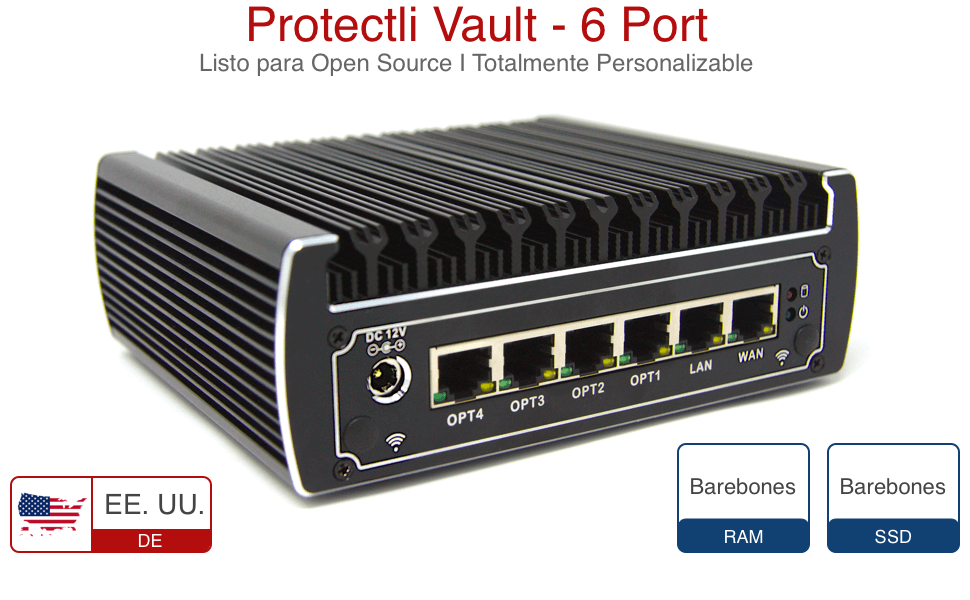
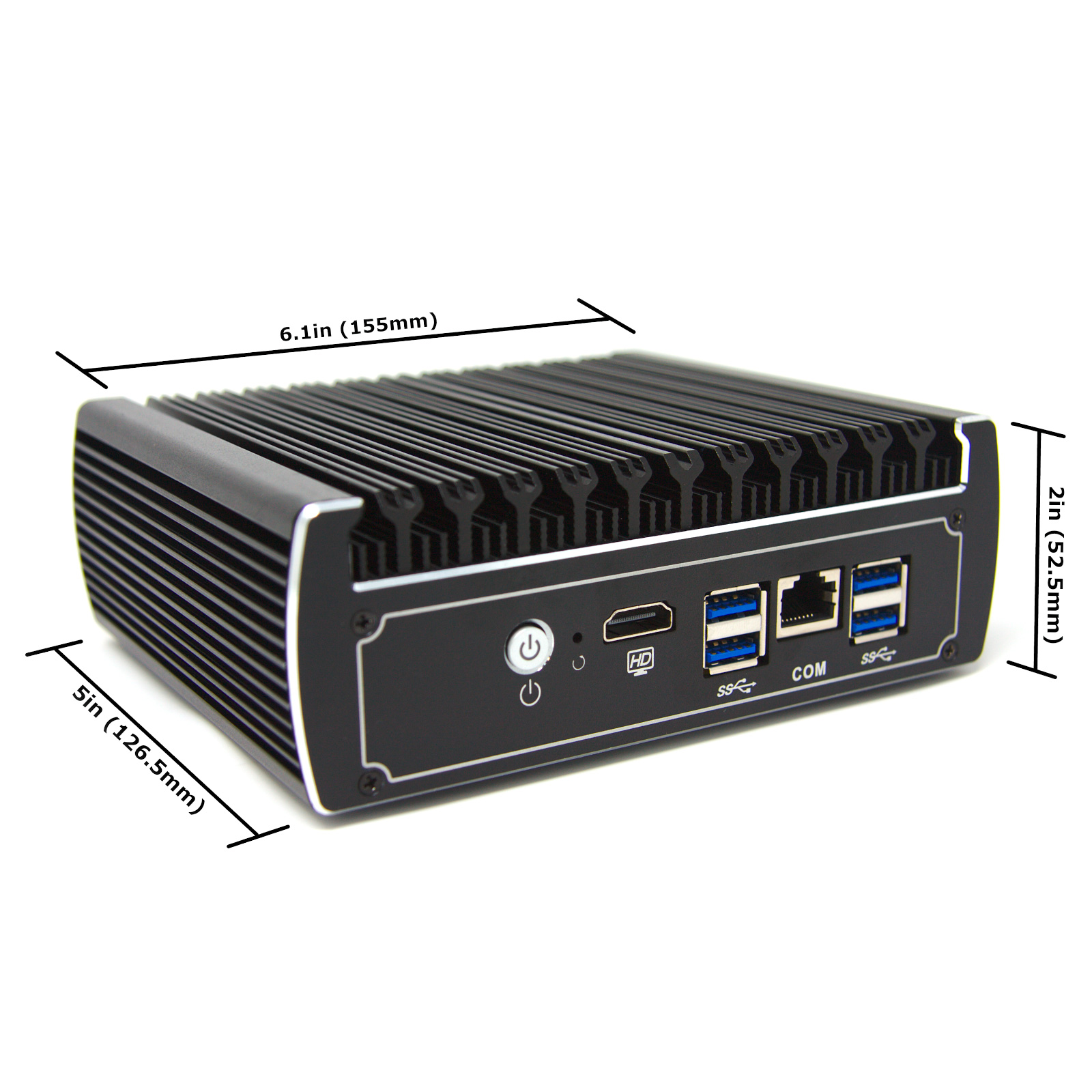
Although I won’t use its Wi-Fi directly, but rather with a Ubiquiti U6 Pro
|
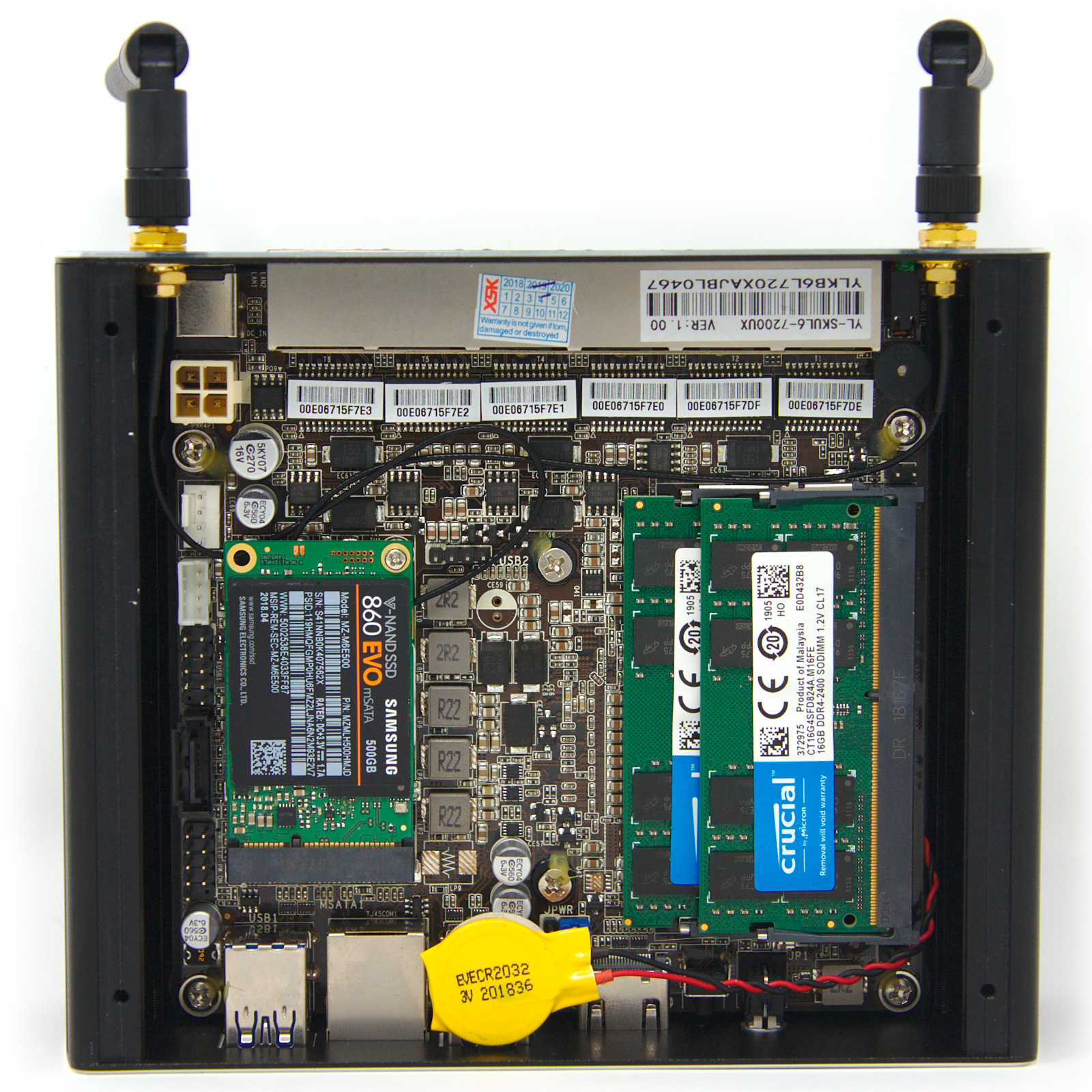
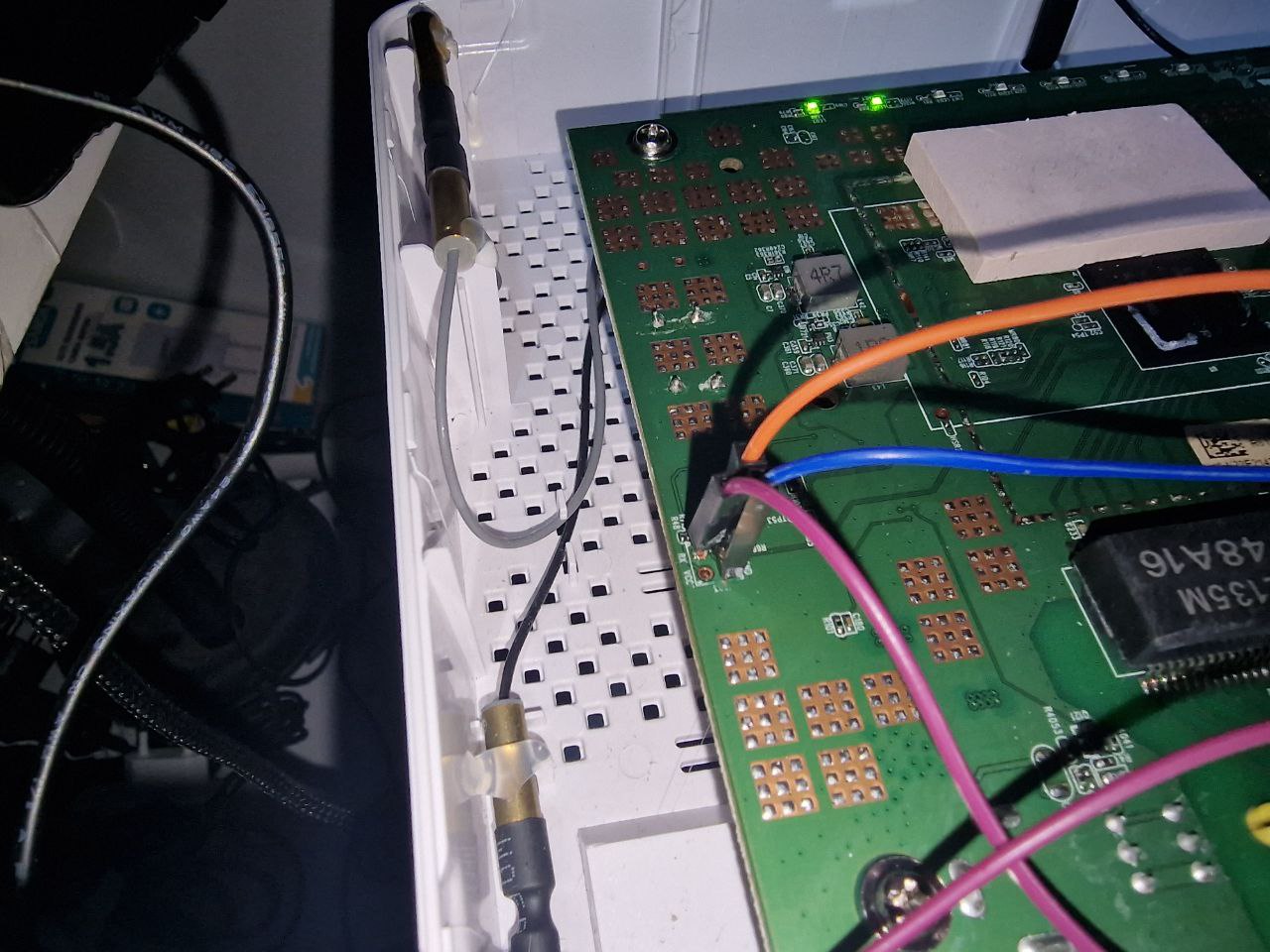
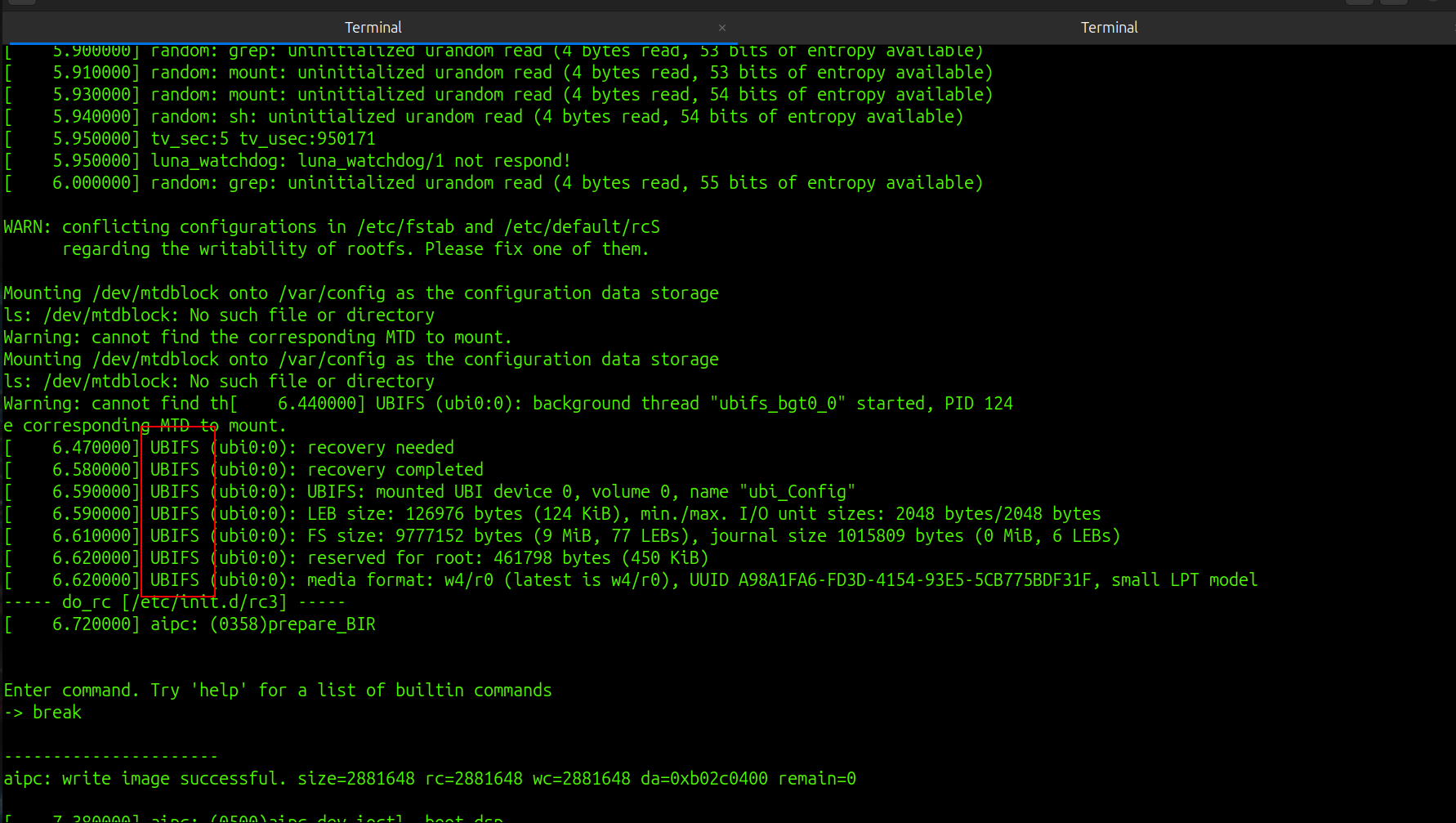
| Intento de extraer la PLOAM password |
En esta parte de log, con el debug, no nos mostró dicha pass, sin suerte.
| Here we will enter the PLOAM password for our fiber operator from the UI. |
Ready for war
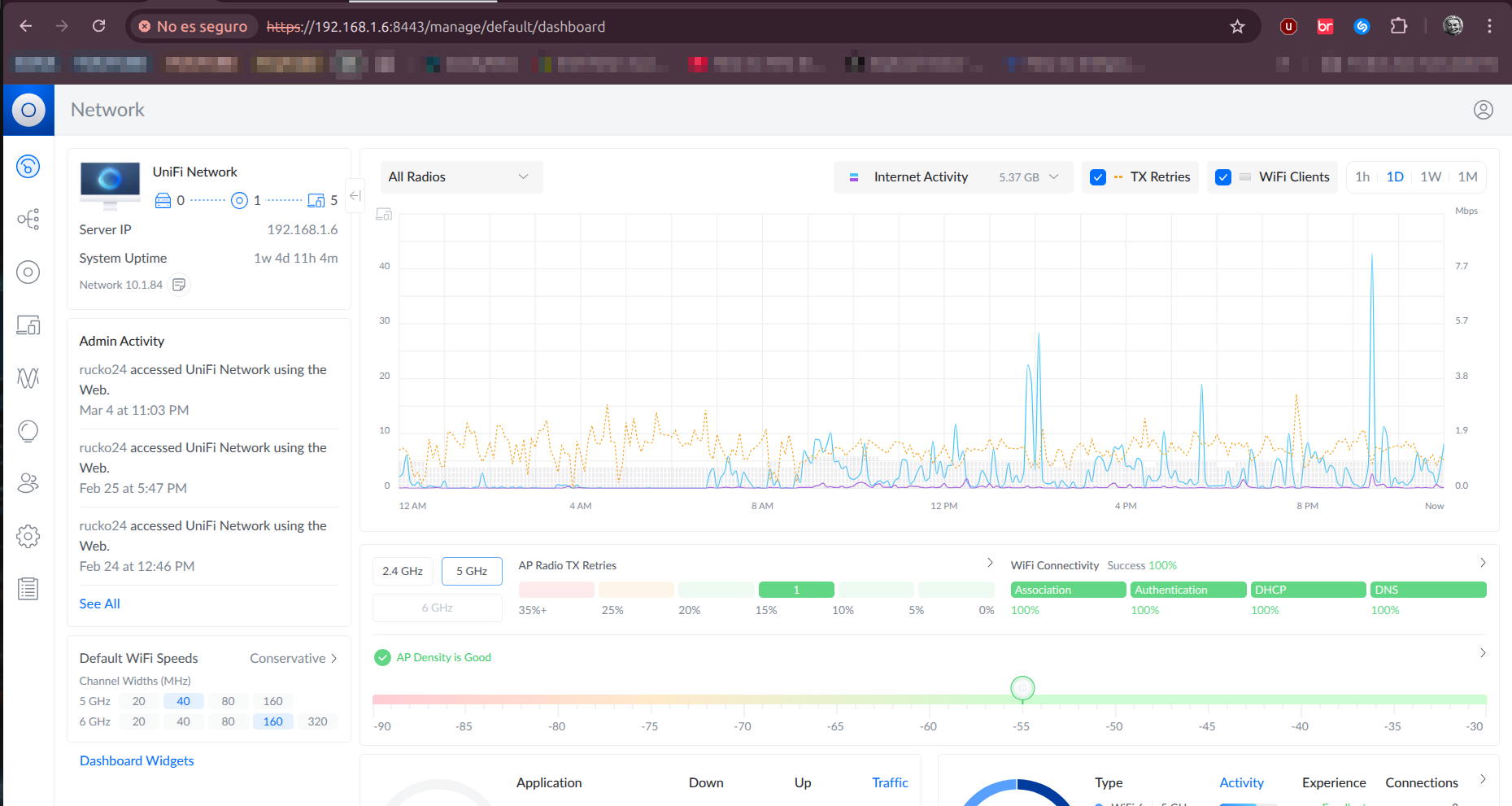
Not to mention the web interface. At the moment, I have version
Network 10.1.84, which is actually a client, and it’s installed in a jail on my NAS. In the future, I’ll have to install the requiredUniFi OS Server, but it’s not yet compatible with FreeBSD.
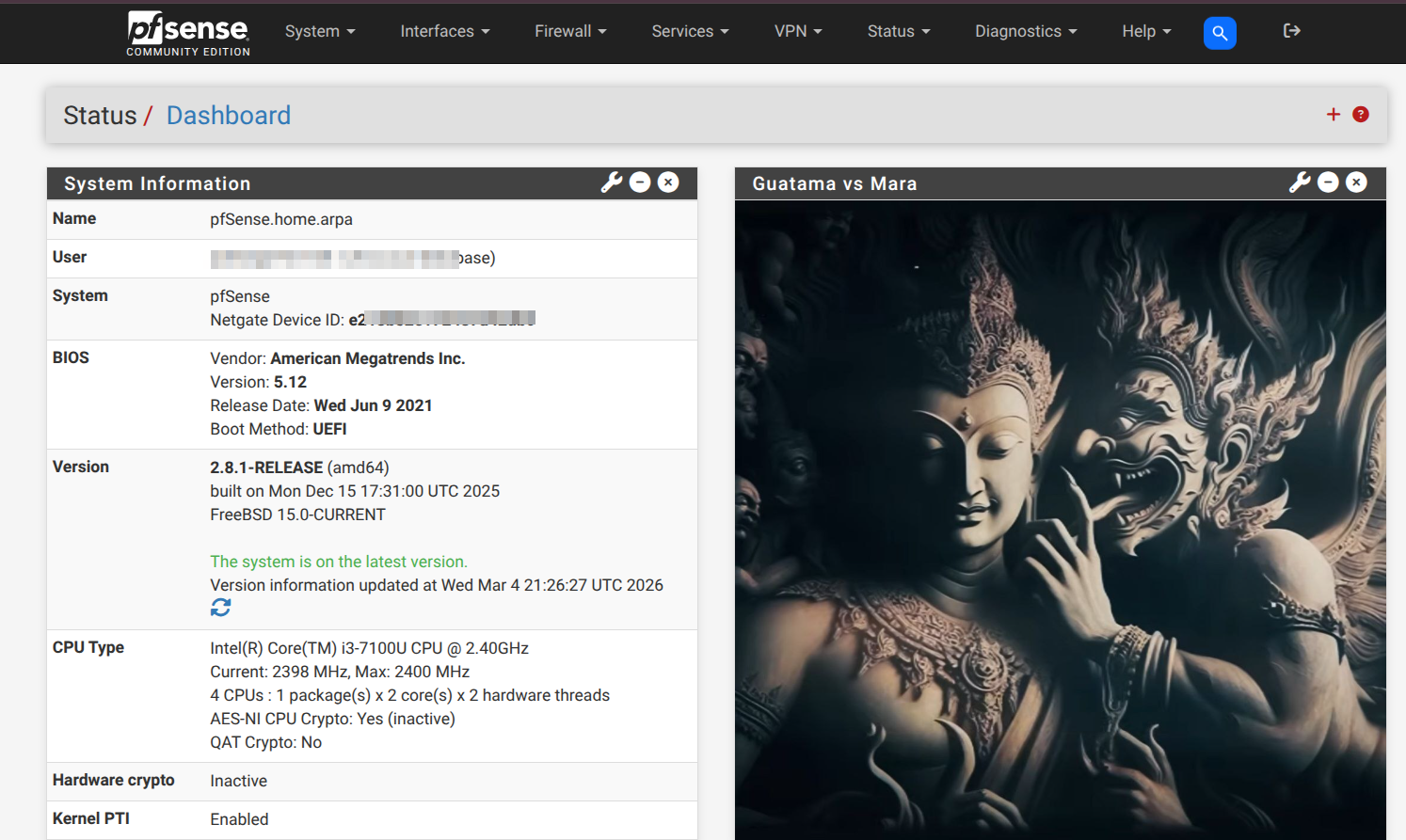
Pfsense ISO
Right now I have version 2.8.1-RELEASE (amd64). I downloaded this file from the official website, and there are also several servers out there with older versions.
DHCP and WIFI
Well, pfsense will simply act as a router with a configured DHCP pool, and unifi will not act as a DHCP server, just so they can connect to the network and that’s it.
Install search bar
Well, how useful is a search bar nowadays, right? And our user experience clearly improves.
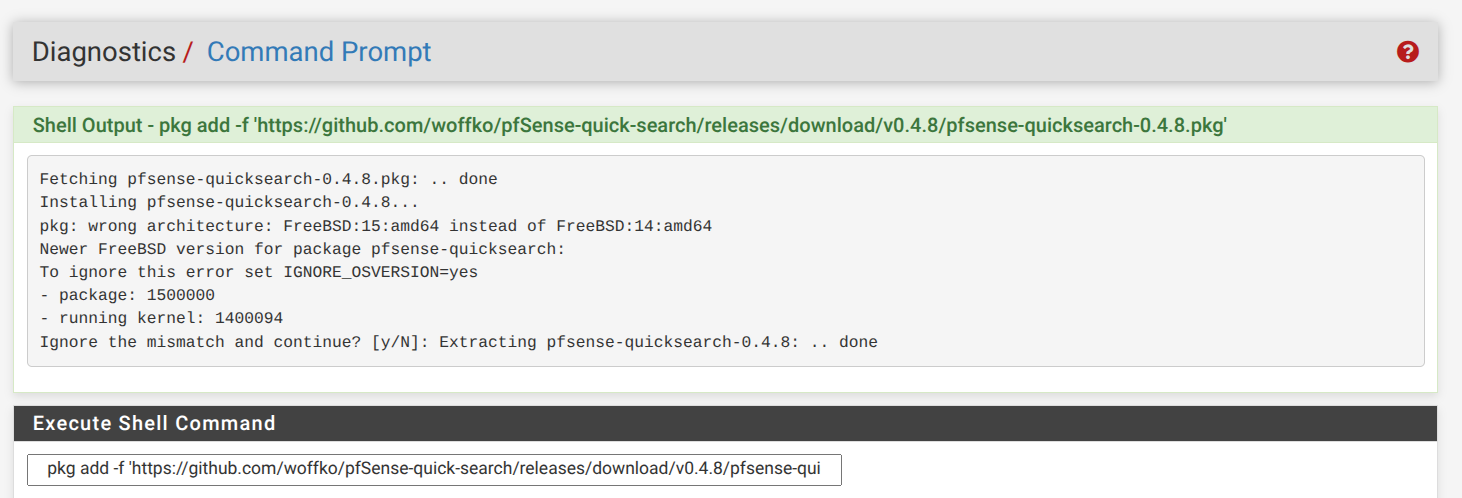
pkg add -f 'https://github.com/woffko/pfSense-quick-search/releases/download/v0.4.8/pfsense-quicksearch-0.4.8.pkg'Pressing F5 in the browser should suffice, and we should see the bar appearing as follows:
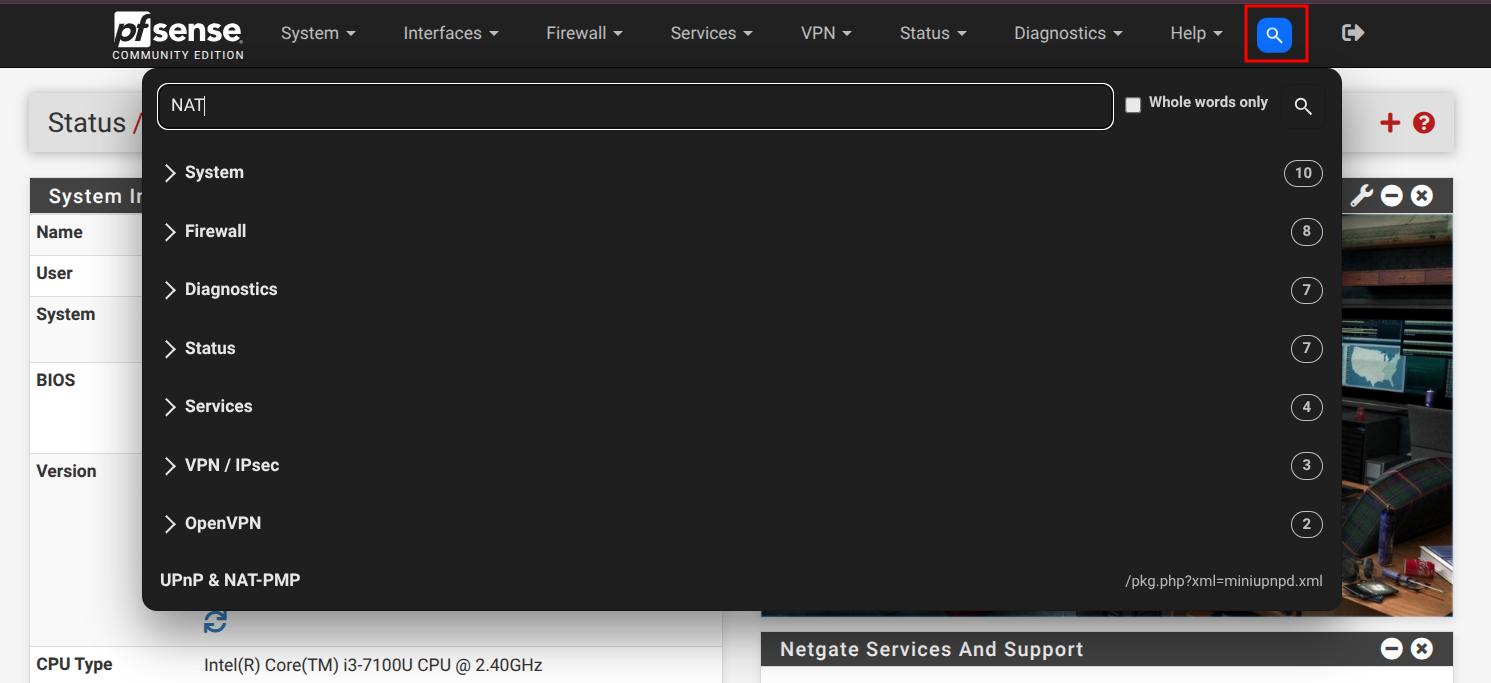
https://github.com/woffko/pfSense-quick-search/releasesI made a PR to the dev of that repo, adding a simple and stupid CSS adjustment and the shortcut (Ctrl + K) to open the bar.
I hope she merges it someday. 😁